

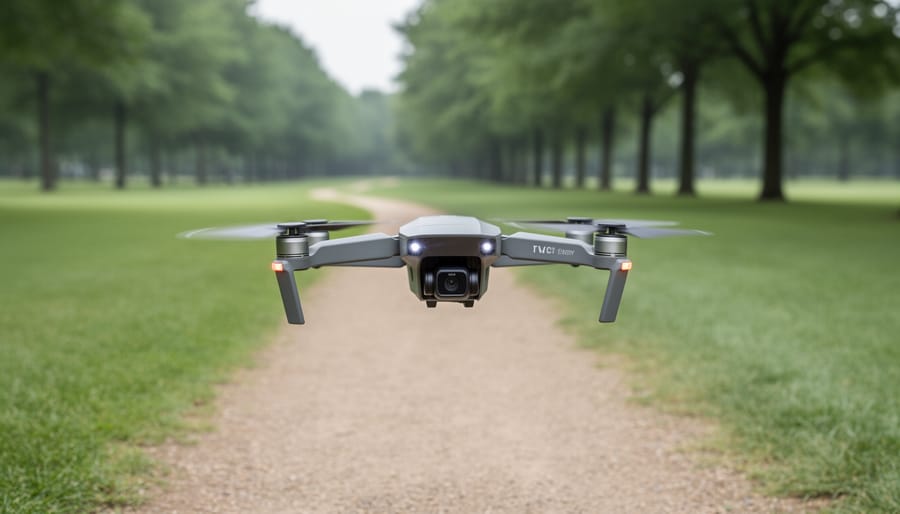
Flying your first drone doesn’t have to mean crashing it into a tree within five minutes. The biggest mistake new pilots make is buying either the cheapest toy drone that can’t handle a light breeze, or jumping straight to a $1,500 model with features they won’t use for months. You need something in between: a drone that forgives beginner mistakes while teaching you real piloting skills.
What separates a true beginner drone from everything else comes down to three things. First, obstacle avoidance sensors that actually work, not just marketing fluff. Second, GPS stabilization that keeps the drone hovering in place when you panic and let go of the controls (and you will). Third, a return-to-home function that brings your drone back automatically if the battery runs low or you lose sight of it.
The drone market has changed dramatically in the past two years. You no longer need to sacrifice camera quality or flight time just because you’re new. Modern beginner drones shoot 4K video, fly for 25-30 minutes per battery, and cost less than a decent smartphone. But here’s the catch: not all “beginner-friendly” labels mean the same thing. Some manufacturers slap that tag on stripped-down models with frustrating limitations.
This guide cuts through the confusion. We’ve tested dozens of entry-level drones to find which ones actually deliver on their promises, which price points offer the best value, and what features you can safely ignore as a first-time buyer.
What Makes a Drone Actually Beginner-Friendly?
Not all drones labeled as “beginner-friendly” actually deserve that title. Some manufacturers slap that label on models that’ll have you wrestling with complex controls or fishing drone parts out of trees within the first week. So what genuinely makes a drone suitable for your first flight?
The difference comes down to features that compensate for inexperience rather than requiring you to develop piloting skills through trial and (expensive) error.
GPS stabilization sits at the top of that list. True beginner drones lock onto satellite signals to hold their position in the air, even when you panic and release the controls. Without GPS, a drone will drift with the wind, forcing you to constantly adjust. That’s manageable for experienced pilots but overwhelming when you’re still figuring out which direction is forward.
Auto-hover works alongside GPS to keep your drone steady at a fixed altitude. Release the sticks, and the drone simply hovers in place instead of dropping or climbing unexpectedly. This gives you breathing room to think, reorient yourself, or just pause and enjoy the view without the constant pressure of active control.
Look for drones with these beginner-essential features:
- GPS stabilization for position holding in wind
- Auto-hover that keeps altitude steady when you release controls
- Obstacle avoidance sensors to prevent crashes
- One-button takeoff and landing for stress-free starts
- Propeller guards that protect both the drone and whatever it hits
- Return-to-home function that brings the drone back automatically
Durability matters more than most beginners realize. You will crash. Everyone does. Beginner-friendly drones use tougher plastics, have easily replaceable propellers, and protect critical components like cameras and batteries from impact damage. Some models even include propeller guards in the box, which should tell you something about expected user competence.
Price plays a role here too, but not in the way you might think. The cheapest drones often skip crucial safety features to hit rock-bottom prices, while premium models pack in capabilities you won’t use for months. The sweet spot for true beginners falls between $150 and $500, where you get essential stabilization tech without paying for advanced features you’re not ready to leverage.
Top Newbie-Friendly Drone Options for 2024
Best Overall: DJI Mini Series
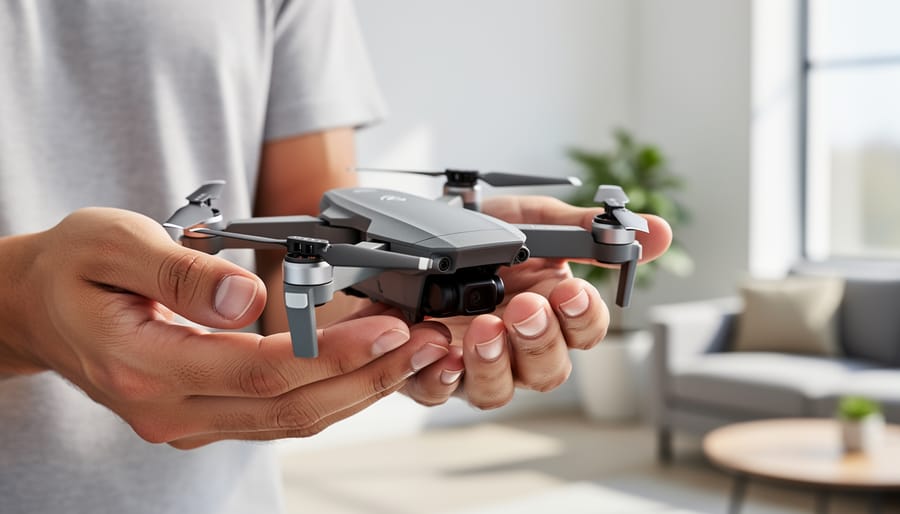
The DJI Mini series has earned its reputation as the go-to choice for beginners, and for good reason. These drones nail the balance between simplicity and capability in ways that matter when you’re just starting out.
What sets the Mini series apart is how DJI engineered these drones to stay under 250 grams. That’s not just a random number, it’s the magic weight that keeps you exempt from FAA registration in the US. You can literally take it out of the box and fly the same day without paperwork hassles that intimidate many first-timers.
The camera quality alone justifies the investment. Even the base Mini SE shoots stabilized video that’ll make your friends ask if you hired a professional. The 3-axis gimbal does the heavy lifting, smoothing out your wobbly beginner inputs so your footage looks intentional rather than chaotic.
- Weighs under 250g, avoiding registration requirements in most countries
- Exceptional GPS stabilization makes hovering effortless for complete beginners
- Professional-quality 3-axis gimbal produces smooth footage despite shaky piloting
- Intelligent flight modes handle complex shots automatically
- Premium pricing starts around $400-500, well above budget alternatives
- Lightweight design struggles in winds above 15-20 mph
- Battery life of 25-31 minutes sounds good but realistically gives 20 minutes of flying
The GPS stabilization is where beginners really feel the difference. Release the controls and it just stops. Perfectly. No drifting, no panic-inducing momentum. This single feature probably prevents more crashes than any propeller guard ever could, building your confidence exponentially faster than wrestling with a twitchy cheaper drone would.
Best Budget Option: Holy Stone HS720
The Holy Stone HS720 proves you don’t need to spend $500 to get a legitimate beginner drone experience. At around $250, it delivers GPS stabilization, automatic return-to-home, and a surprisingly decent 2K camera that captures your early flights without the blurry mess cheaper models produce.
What you’re actually getting is a drone that flies like it costs twice as much. The GPS means it holds position in mild wind instead of drifting like a balloon, and the brushless motors provide 26 minutes of flight time per battery. The controller features a basic smartphone holder and simple button layout that won’t confuse you mid-flight.
The acceptable compromises? The camera won’t match DJI’s image quality, especially in low light, and the app interface feels clunky compared to premium options. The obstacle avoidance is basic, relying mostly on your judgment rather than sensors.
But here’s what matters: it includes two batteries, a carrying case, and propeller guards in the box. For someone testing whether drone flying is their thing before committing serious money, the HS720 delivers enough capability to learn proper skills without the anxiety of crashing an expensive machine.
Best for Kids: Ryze Tello
The Ryze Tello proves you don’t need to spend big to get a genuinely fun first drone experience. At under $100, this palm-sized flyer was developed with DJI’s flight tech but designed specifically for kids and absolute beginners who’ve never touched a controller.
What makes it perfect for younger pilots is the indestructible factor. The Tello bounces off walls, survives crash landings on carpet, and keeps flying after the kind of impacts that would ground pricier models. Its propeller guards are built-in, not optional add-ons, and the whole thing weighs less than a tennis ball.
The controls are smartphone-based, which kids find immediately intuitive. There’s no complex radio controller to master. One-tap takeoff and landing remove the scariest parts of flying, and the Tello holds its position rock-steady indoors thanks to downward sensors.
The 720p camera won’t wow photography enthusiasts, but it’s plenty for kids who just want to see what their bedroom looks like from above. Flight time maxes out at 13 minutes, so grabbing a spare battery makes sense if you want uninterrupted fun.
Best for Photography Beginners: DJI Air 2S
The DJI Air 2S sits at the sweet spot for beginners who see aerial photography as more than just a casual hobby. Yes, it costs more than budget options, but here’s why that matters: you won’t outgrow it in six months. The one-inch sensor captures genuinely impressive 20-megapixel stills and 5.4K video, specs you’d find in professional-grade drones just a few years ago. Check the Air 2S image specs and you’ll see it competes with cameras costing twice as much.
What makes it beginner-friendly? DJI hasn’t sacrificed their excellent obstacle avoidance system or automated flight modes just because you added a better camera. Return-to-home still works flawlessly, ActiveTrack follows subjects without manual piloting, and QuickShots create cinematic footage with a single tap. You’re learning photography composition and lighting, not fighting with flight controls.
The tradeoff is weight. At 595 grams, you’ll need FAA registration, unlike the Mini series. But if you’re serious about photography and want room to develop your skills without eventually replacing your entire setup, the Air 2S justifies the investment. Think of it as buying the camera you’ll still use three years from now.
Comparison at a Glance
Choosing between these drones becomes much easier when you see the key differences laid out. Here’s what you need to know to match a drone with your situation.
| Model | Price Range | Flight Time | Camera Quality | Best For | Key Beginner Features |
|---|---|---|---|---|---|
| DJI Mini 3 | $450-$550 | 38 minutes | 4K/30fps | Most beginners | Under 250g, obstacle avoidance, return-to-home |
| Holy Stone HS720 | $200-$250 | 26 minutes | 2K | Budget-conscious buyers | GPS stabilization, follow-me mode, affordable spare parts |
| Ryze Tello | $100-$120 | 13 minutes | 720p | Kids and first-timers | Extremely simple controls, programmable, bounce-back durability |
| DJI Air 2S | $900-$1,000 | 31 minutes | 5.4K/30fps, 1-inch sensor | Photography enthusiasts | Superior obstacle avoidance, automatic shooting modes, room to grow |
Your budget matters, but it shouldn’t be your only deciding factor. The DJI Mini 3 sits in the sweet spot for most people because it balances capability with approachability. You get genuinely impressive camera quality and enough flight time to enjoy each battery without feeling rushed.
If you’re testing the waters or buying for a younger person, the Tello makes sense. Yes, the camera is basic and flights are short, but you’ll figure out if droning is your thing without a major financial commitment. The Holy Stone HS720 offers the best value if you want decent features across the board without DJI’s premium pricing.
The Air 2S is the outlier here. It costs twice what the Mini does, but you’re buying a drone you won’t outgrow in six months. If you already know you want to pursue aerial photography seriously, spending extra now beats buying a beginner drone and upgrading later.
What You Need to Know Before Your First Purchase
The moment you’re ready to hit “buy now,” take a breath. A few practical realities can make the difference between a smooth first experience and buyer’s remorse.
First, you’ll likely need to register your drone with the FAA if you’re in the US. Any drone weighing over 0.55 pounds requires FAA registration and Remote ID compliance. The process costs $5 and takes about five minutes online, but skipping it can result in fines. Drones under 250 grams, like the DJI Mini series, sidestep this requirement entirely, which is one reason they’re so popular with beginners.
Battery life deserves serious consideration because manufacturers measure it under ideal conditions you’ll never replicate. That “30-minute flight time” becomes 20 minutes in light wind, and less if you’re actively maneuvering or flying in cold weather. Most beginners find themselves wanting at least two extra batteries, which can add $50-150 to your total cost depending on the model. Factor this into your budget from the start.
Speaking of hidden costs, memory cards are another gotcha. Many drones don’t include one, and you’ll need a fast card (typically UHS-I V30 or better) for smooth video recording. Budget another $15-30 here.
Insurance isn’t legally required for recreational use, but it’s worth considering if you’re buying a drone over $500. Homeowner’s or renter’s insurance sometimes covers personal drones, though you’ll want to verify. Specialized drone insurance runs about $60-100 annually for basic coverage.
Finally, check your local regulations beyond federal rules. Some cities prohibit drone flight in parks or near certain landmarks. A quick search for your city’s drone ordinances prevents awkward conversations with authorities during your first outing.
Essential Accessories Every Beginner Should Get
Your new drone arrives, and you’re ready to fly. But here’s what nobody tells you: the battery lasts maybe 20 minutes if you’re lucky. One set of propellers won’t survive your learning curve. And flying off grass or dirt? That’s asking for debris in your motors.
Let’s talk about what you actually need versus what the internet insists you can’t live without.
**The Non-Negotiables**
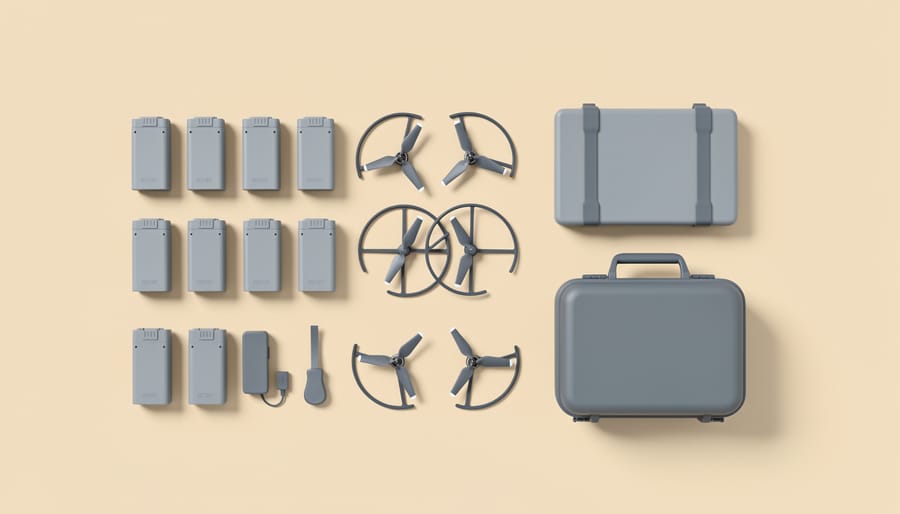
Extra batteries top the list, no question. Budget at least $50-80 per battery for quality drones. Two extras give you a full hour of flight time, which sounds modest until you realize how much you can learn in three 20-minute sessions. Yes, they’re expensive. Yes, you need them anyway.
Propeller guards matter more than you think. They’re usually $15-25 and will save you from replacing props every other flight. Some drones include them, most don’t. Get them before your first outdoor session.
A basic carrying case runs $20-40 and protects your investment during transport. The box your drone came in works for a while, but it’s bulky and won’t last. A proper case also keeps track of all those tiny batteries and cables you’ll accumulate.
**The Actually Worth It Category**
Landing pads ($10-20) keep dirt and debris away from your motors and give you a clear visual target when landing. Simple orange foldable ones work perfectly.
A tablet holder for your controller ($15-30) beats hunching over your phone. Larger screens make spotting obstacles easier and reduce eye strain.
**Skip These for Now**
Fancy ND filters, professional cases, and backup controllers can wait. Learn to fly first, then upgrade based on what you actually use your drone for.
Your First Flight: What to Actually Expect
Your hands will probably shake a bit when you power on your drone for the first time. That’s completely normal. Even experienced pilots remember their first flight vividly, usually because something went slightly wrong in a way that taught them a valuable lesson.
The reality is that your first flight will be awkward. The controls will feel counterintuitive at first, like learning to drive. Your drone might drift unexpectedly when you think you’re holding it steady. You’ll overcorrect movements, sending it lurching in directions you didn’t intend. This is all part of the learning curve, not a sign you’ve bought the wrong drone or lack natural talent.
Here’s how to set yourself up for success:
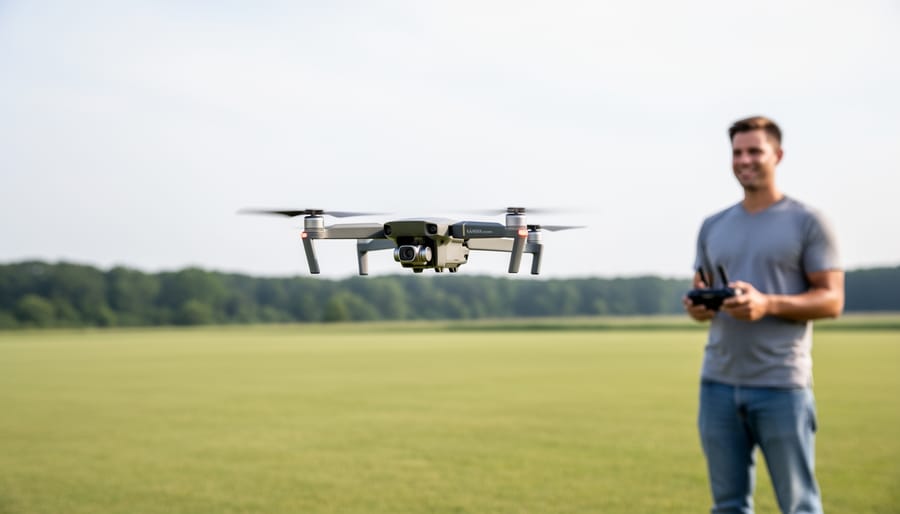
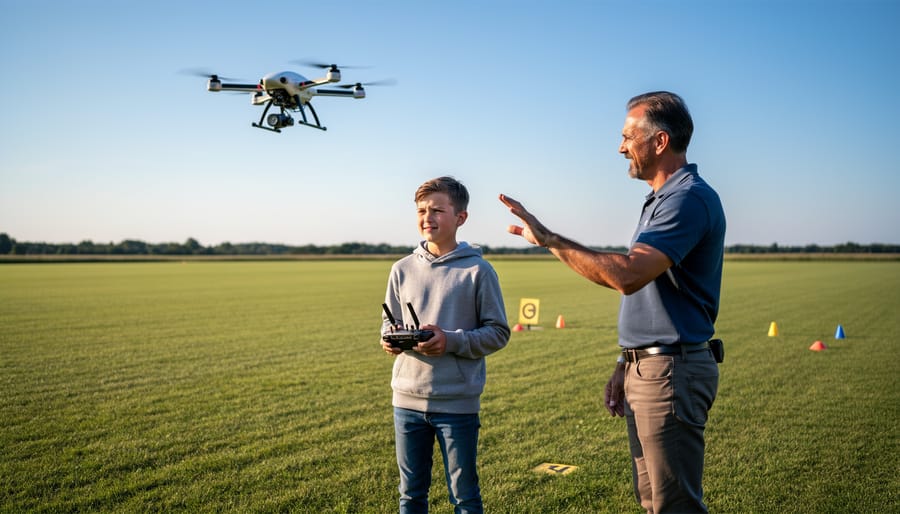
- Choose a large, open outdoor space away from people, trees, and buildings, or a spacious indoor area if your drone is small enough.
- Check that batteries are fully charged, propellers are secure and undamaged, and you’ve calibrated the compass if required.
- Start with the drone on flat ground about 10 feet in front of you, and make sure your phone or controller is connected and showing live video.
- Take off slowly to about 5 feet, then hover without moving for 30 seconds to get comfortable with small control adjustments.
- Practice basic movements one at a time: forward and back, left and right, gentle rotation, rather than combining them immediately.
- Land while you still have at least 30% battery remaining to avoid low-power panic.
The biggest beginner mistake is flying too far too quickly. Keep your drone close for the first few flights. You need to build muscle memory for how the controls respond before you start exploring distance or height.
Most people crash within their first three flights. If you do, don’t panic. Check for damage, swap propellers if needed, and go again. Modern beginner drones are built to survive your learning process.
The hardest part of buying your first drone isn’t the flying, it’s getting past the fear of making the wrong choice. But here’s the truth: any of the drones we’ve covered will serve you well as long as you’ve matched it to your actual needs and budget.
If you’re still on the fence, start with the DJI Mini 2 or Holy Stone HS720. Both offer enough features to keep you engaged without overwhelming you, and they’re forgiving enough that you won’t destroy them during your learning curve. Save the fancy models for when you actually know what features matter to you personally.
Your best move right now? Pick one, order an extra battery or two, and schedule your first flight for a calm morning at an empty park. You’ll quickly realize that modern beginner drones are designed to make you look better than you are. That first successful hover will replace all your anxiety with pure excitement.
The perfect drone for you is the one you’ll actually fly, not the one still sitting in your shopping cart.
